


Alpha v1.2.0
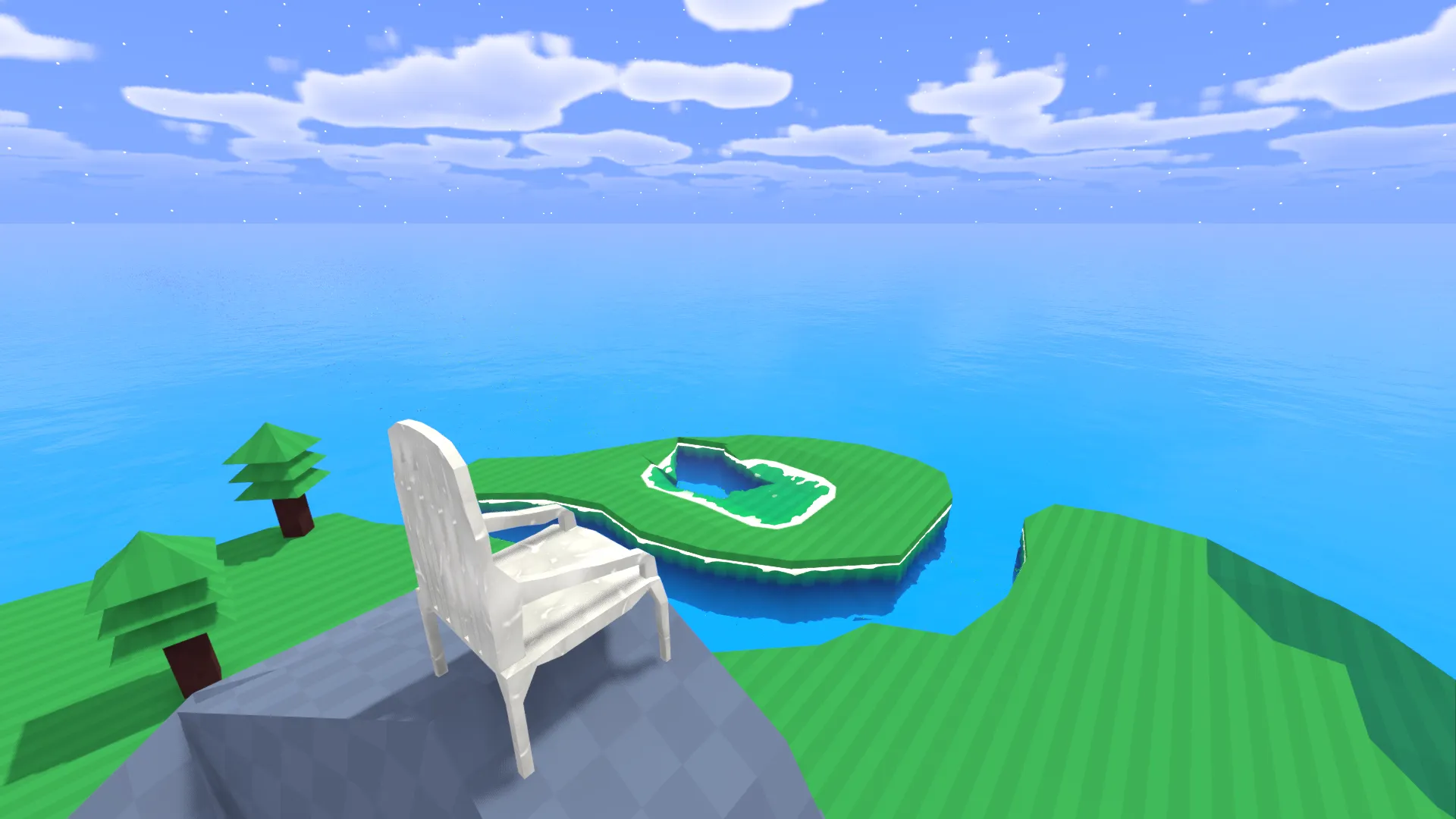
New Features
Collaborative Editing (Multiplayer Edit Mode)
Added support for collaborative map editing.
Map creators can add collaborators and assign roles.
Collaborators can join maps to edit or observe.
Comment role added (commenting feature not available yet).
New player management commands:
- Go to Player
- Bring Player
- Kick Player
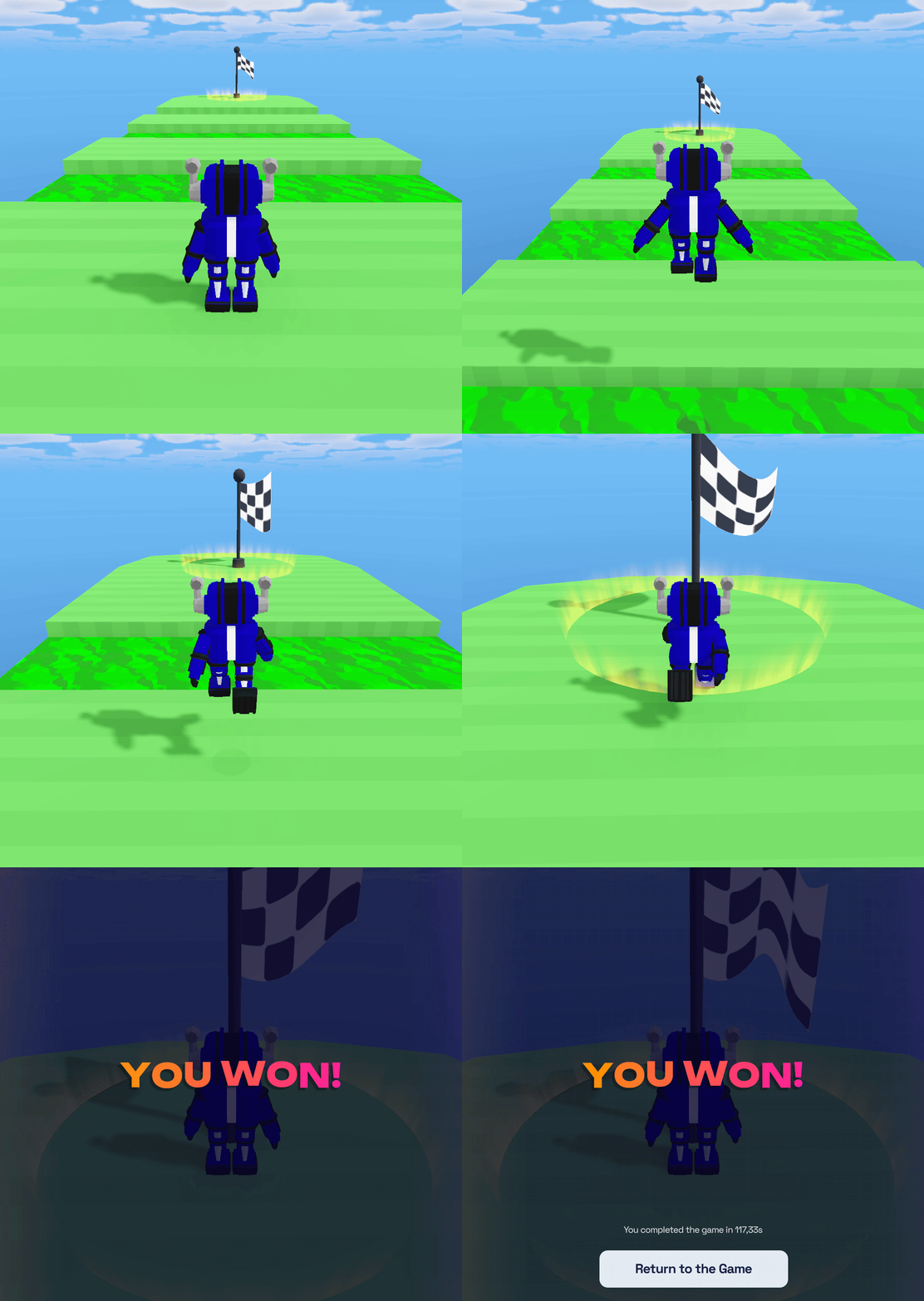
Victory Flags
- Added victory flags to define the end of a route in a map.
- A timer appears after the player's first movement when a flag exists.
- Completing the route does not reset other players in the map.
Actors
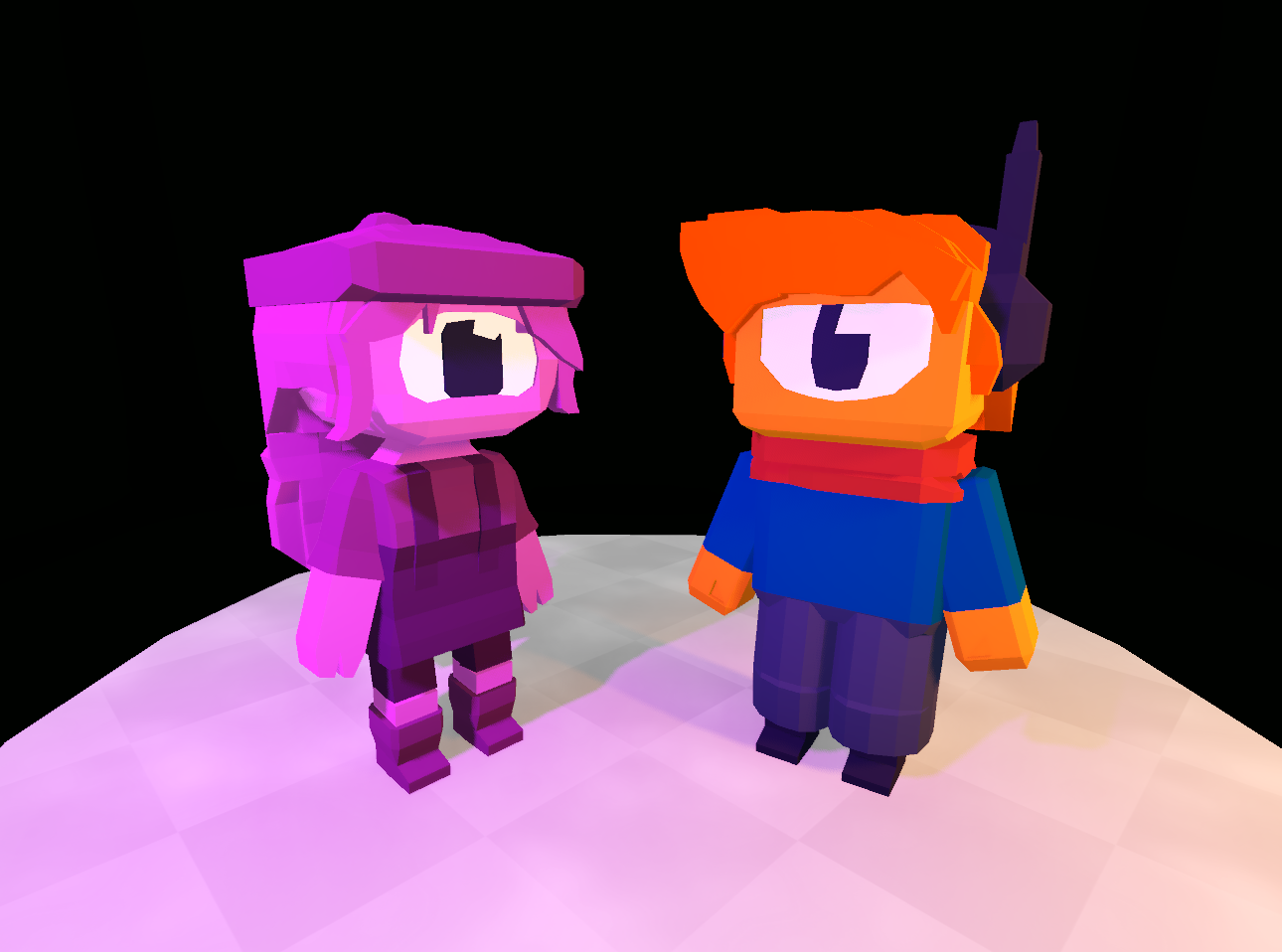
- Added NPC actors that use player avatars.
- Actors can be placed in maps for storytelling purposes.
- Actors currently have no interactions and do not take damage.
Support Grid Rewrite
- Reworked the support grid tool used for building in the air.
- Fixed major issues from previous versions.
- Grid now supports multiple axes at the same time.
Editor Improvements
Persistent Position
- The game will save the position of your last edit session. You will return in the same position as you were.
New Context Menus
- Left mouse button now selects objects.
- Object properties and actions appear in a top bar.
- Reduced reliance on nested menus.
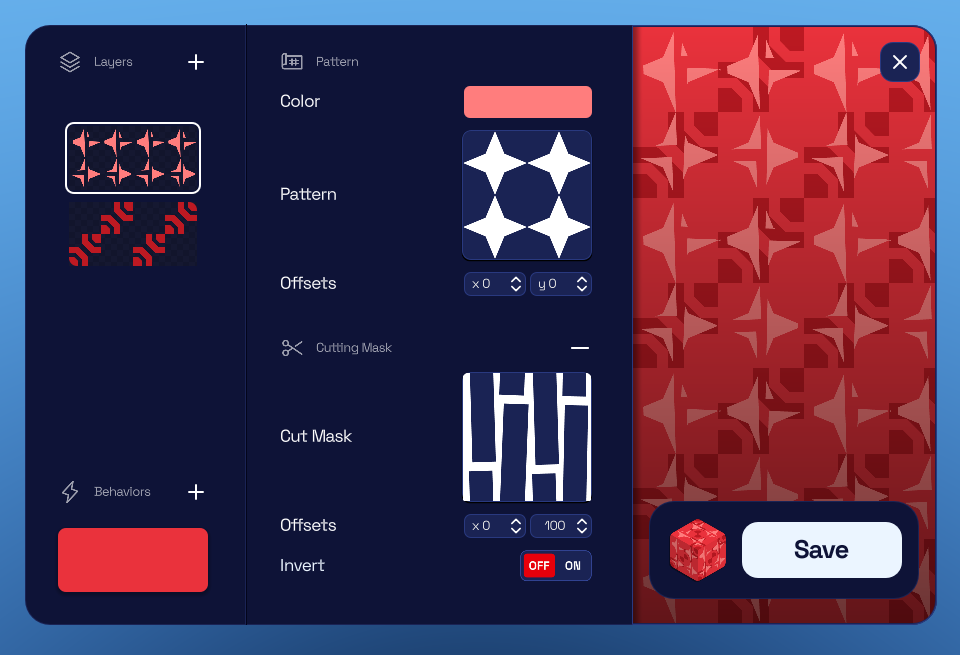
Texture Creator Redesign
- Simplified interface.
- Reduced number of tabs and hidden options.
- Improved texture preview.
Avatar Editor Redesign
- Darker background for better avatar visibility.
- Removed bright blue background.
- Improved visual alignment with the platform style.
Gameplay and Multiplayer
Movement System Rewrite
- Rewrote the movement system.
- Fixed issues with bouncy blocks and wall jumps.
- Reduced camera stutter when touching walls.
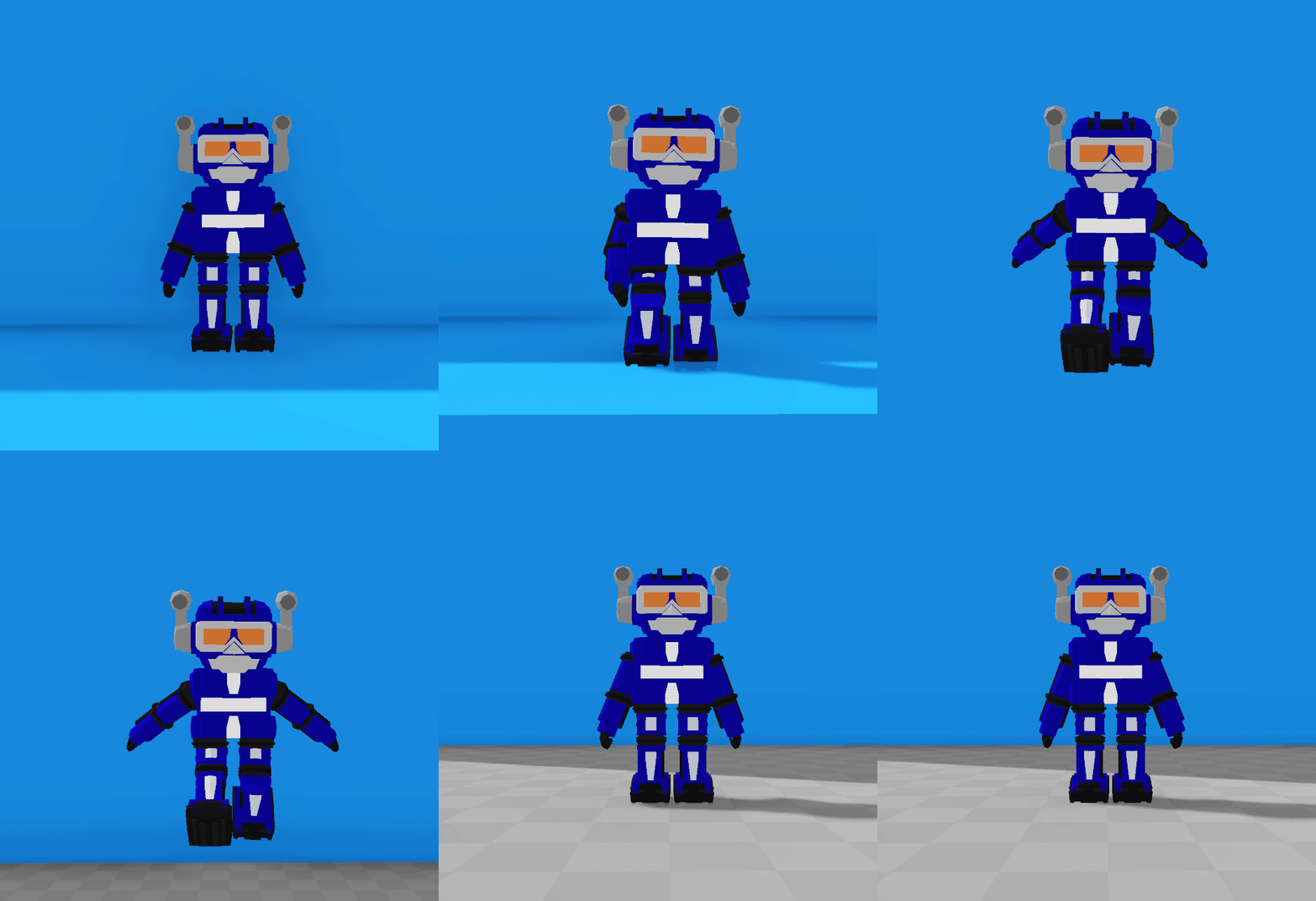
- Improved character animations.
PvP Improvements
- Fixed server issue where ammunition could disappear.
- Fixed ammo counter displaying incorrect values.
Audio
New Sounds
- Added new sound effects for movement.
- Added sounds for natural elements.
UI Changes
Chat Redesign
- Updated chat layout for better readability.
- Improved visibility of player messages.
Menu and Interface Updates
- Redesigned settings menu.
- Updated loading screen with map screenshot background.
- Health bar now includes animations based on player status.

Website Updates
Unified Information Editor
- Avatars and maps now use the same information editing interface.
- Avatar names can now be changed by their owners.
Store Tag Editing
- Added preview for tag lists.
- Tag categories can now be edited without staff intervention.
Settings Menu
- Settings menu changed from fullscreen to a floating window.
Theme and Component Updates
- Updated various website components.
- Added support for theme colors.
- Many interface buttons changed from blue to orange.
- Foundation added for future custom themes.
Bug Fixes
- Fixed invisible block faces when blocks were placed across different chunks.
- Fixed multiple accumulated bugs affecting the support grid tool.
- Various additional bug fixes and minor adjustments.
1.2.1
- Added missing edit actions like Duplicate and Delete to Actors
- Fixed players walking backwards in multiplayer
- Play mode is now working again when creating games
- The sky is now starry again
- You can now create new games again
- You can now purchase avatars again
Alpha 1.1.0
Avatar Editor
- Added Mirror Mode for avatar limbs, automatically replicating changes from one side to the other to ensure perfect symmetry.
User Interface
- Updated the loading screen with a translucent background, allowing visibility of the map creation process in real-time.
Alpha 1.0.0
Website & UI
- Redesigned the game website including game settings, workshop, social media tab, and login/register screens.
- Added profile banners featuring scenes from game maps available in the store.
- Added website themes including Bright, Dark, and Automatic settings.
- Added Avatar Portraits allowing customization of profile and friend list icons with pre-made cosmetics.
- Implemented infinite page scrolling for social feeds, the workshop, and other tabs.
- Added a button to minimize the friendlist.
Bug Fixes
- Fixed an issue causing accounts to log out unintentionally.
- Fixed bugs regarding email verification reliability.
- Fixed the creation gallery layout on profiles to prevent excessive extension.
- Updated and corrected website translations.
Pre-Alpha 0.6.1
In-Game
Balance
- Revolver: Lowered fire rate and increased damage; it is no longer automatic.
Added
- Tab Menu: You can now see the current players on the server and how much players have killed, damaged and died.
- Join/Leave Messages: The chat now displays system messages when players join or leave the server.
Changed
- Health Packs Redesign: they are now red and smaller.
- Character silhouette: removed the dither effect and replaced with a solid transparent one.
- Kill-feed colors: the kill feed entry will appear white when you appear on it.
Fixed
- Fixed a bug where it was impossible to play on the avatar editor.
- Fixed a bug where the settings were not persisting.
- The collision outline of weapon boxes is now considered a logic gizmo, and is now invisible on play mode.
- You can no longer shoot when in edit mode.
- You can no longer fly when there is no water
Pre Release 0.6.0.5
In-Game
Added
- Weapons System: The first weapon is now in-game, featuring server-side hit registration, shooting mechanics, reloading, visual impacts, hit feedback, and kill sounds.
- Screenshot System: Players can now capture in-game screenshots and share them directly to their feed.
- Killfeed: A real-time killfeed has been added to the user interface.
- Health Packs: Creators can now add placeable Health Packs to worlds, which respawn and restore player health.
- New Settings Menu: A dedicated graphics settings menu allows for resolution changes and toggling between fullscreen and windowed modes.
- Join/Leave Messages: The chat now displays system messages when players join or leave the server.
Changed
- Server-Authoritative Movement: All player movement is now handled by the server to ensure fair play and prevent cheating.
- Note: This is a significant change and may introduce some initial lag as it is refined.
- Stair Movement: Characters can now walk up stairs without needing to jump.
Improved
- Chat System: The chat has been completely rebuilt with animated bubbles above players. It features smoother animations, better visibility, and bubbles that now hide behind terrain.
- Create Object UI: The object creation menu has been redesigned for better clarity and ease of use.
- First-Person Controls: Camera movement and syncing in first-person mode are now more responsive and seamless.
- Loading Screen: A new, polished loading screen provides clearer feedback and smoother transitions.
Fixed
- Edit Mode: Resolved numerous bugs related to mouse input, including issues with clicking, dragging, and general interaction.
- Avatar Editor: Fixed a bug causing issues with avatar legs and updated the editor scenery for better consistency.
Website
Added
- Post Comments: Users can now comment on and reply to posts in their feed.
Improved
- Game Page Design: The individual game pages have received a complete visual redesign.
- Profile Settings: The profile settings page has been revamped to support future customization features.
Changed
- Trending Tab Logic: The "Trending" category now prioritizes games with recent activity and active players, rather than only showing games with the highest all-time plays.
That's all folks!